New in Chatter: File Attachments
New Feature
Announcement
Chatter just got more powerful—you can now upload, preview, and share files directly in your chat threads. Whether it’s a packing slip, a BOL, or a shipping label, you can keep everything organized right where the conversation happens.
https://www.youtube.com/watch?v=BJEglNjmnV8
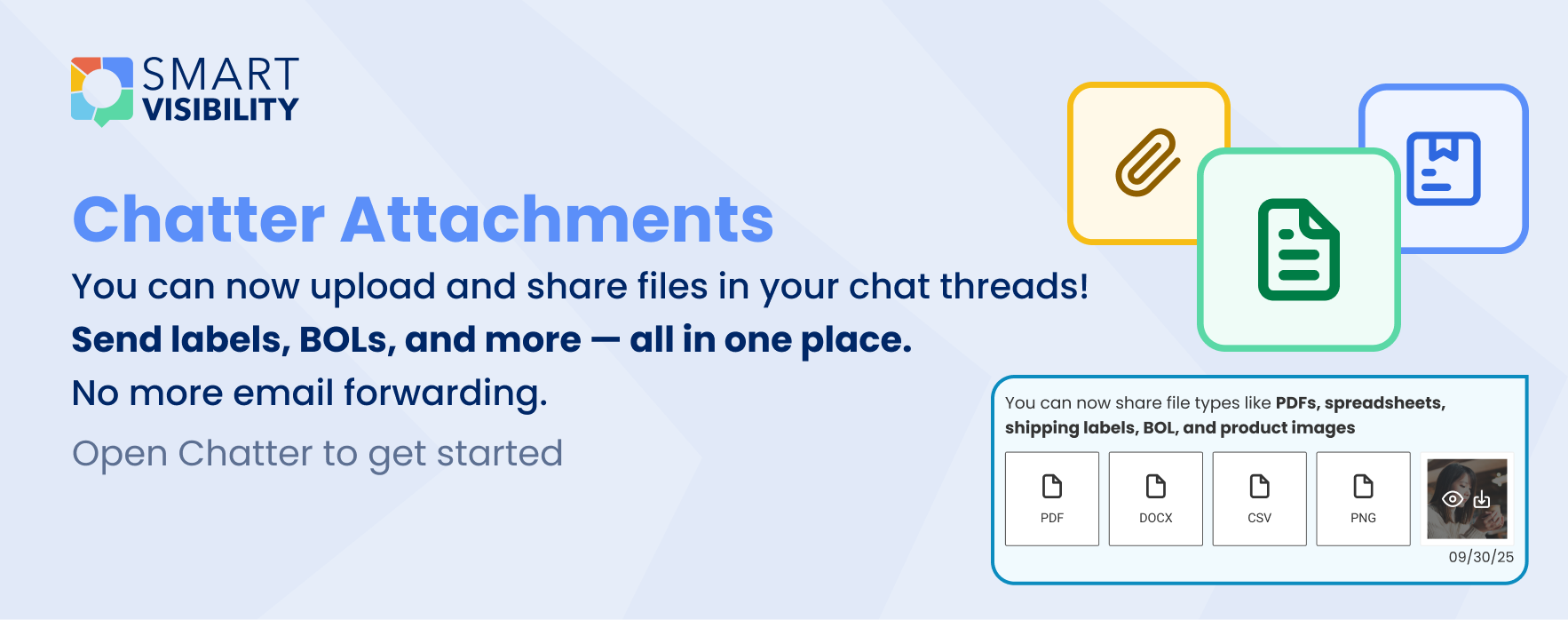
📂 File Upload Made Simple
- Drag & Drop files right into Chatter
- Use the file picker with clear icons for supported file types
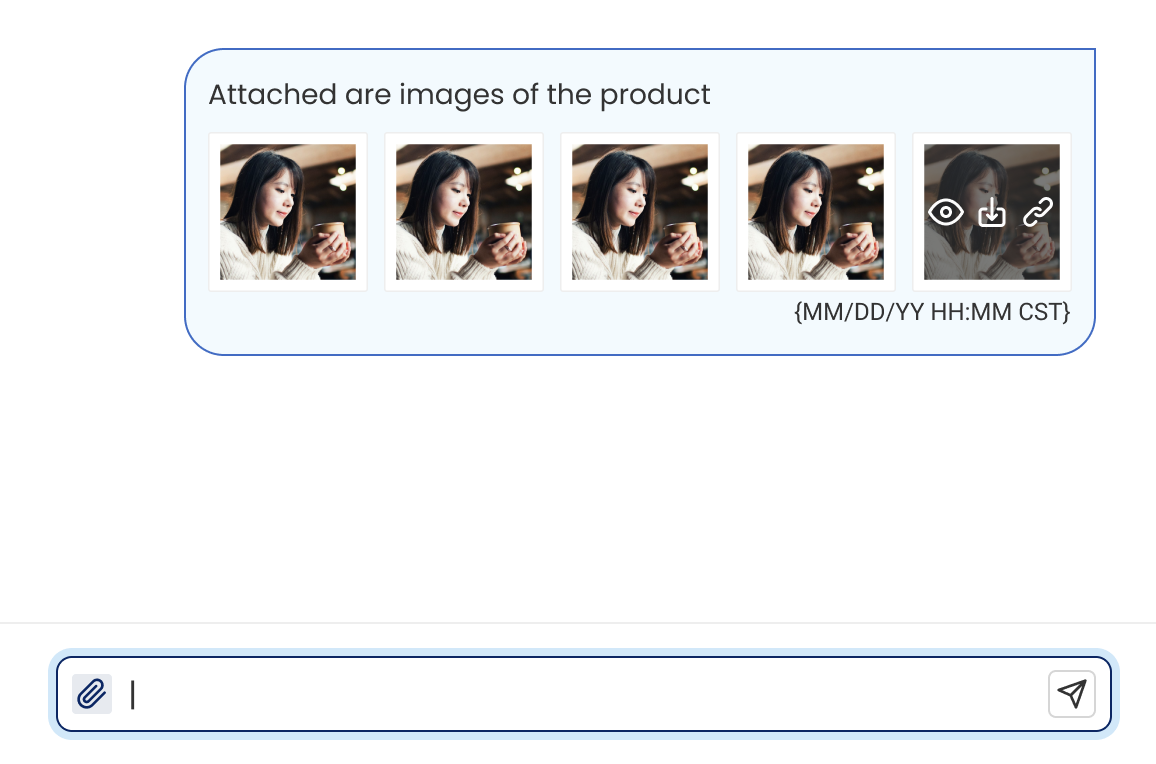
📎 Chatter Files Icon
- A files icon appears in the chat when attachments exist
- Click the icon to open the file modal
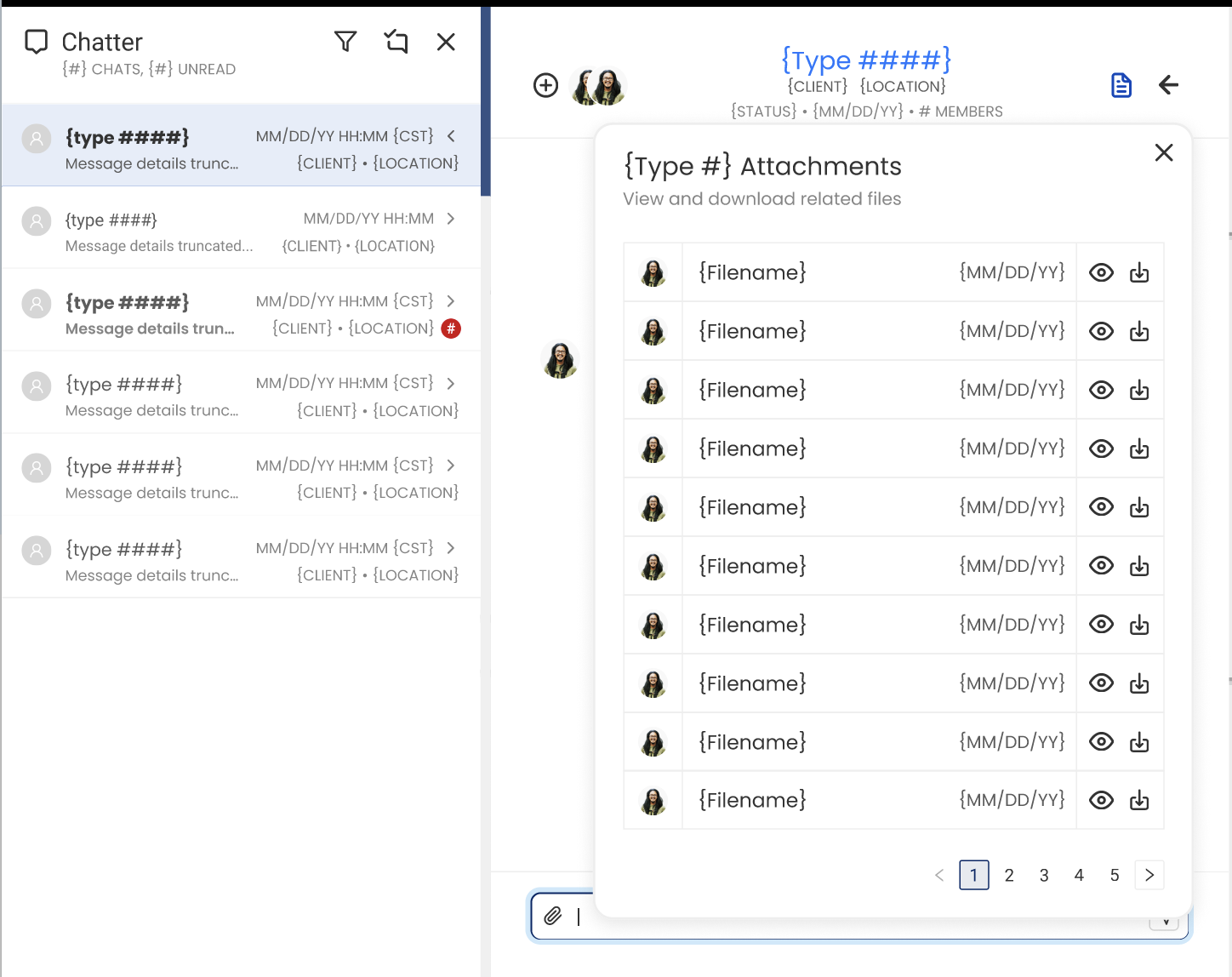
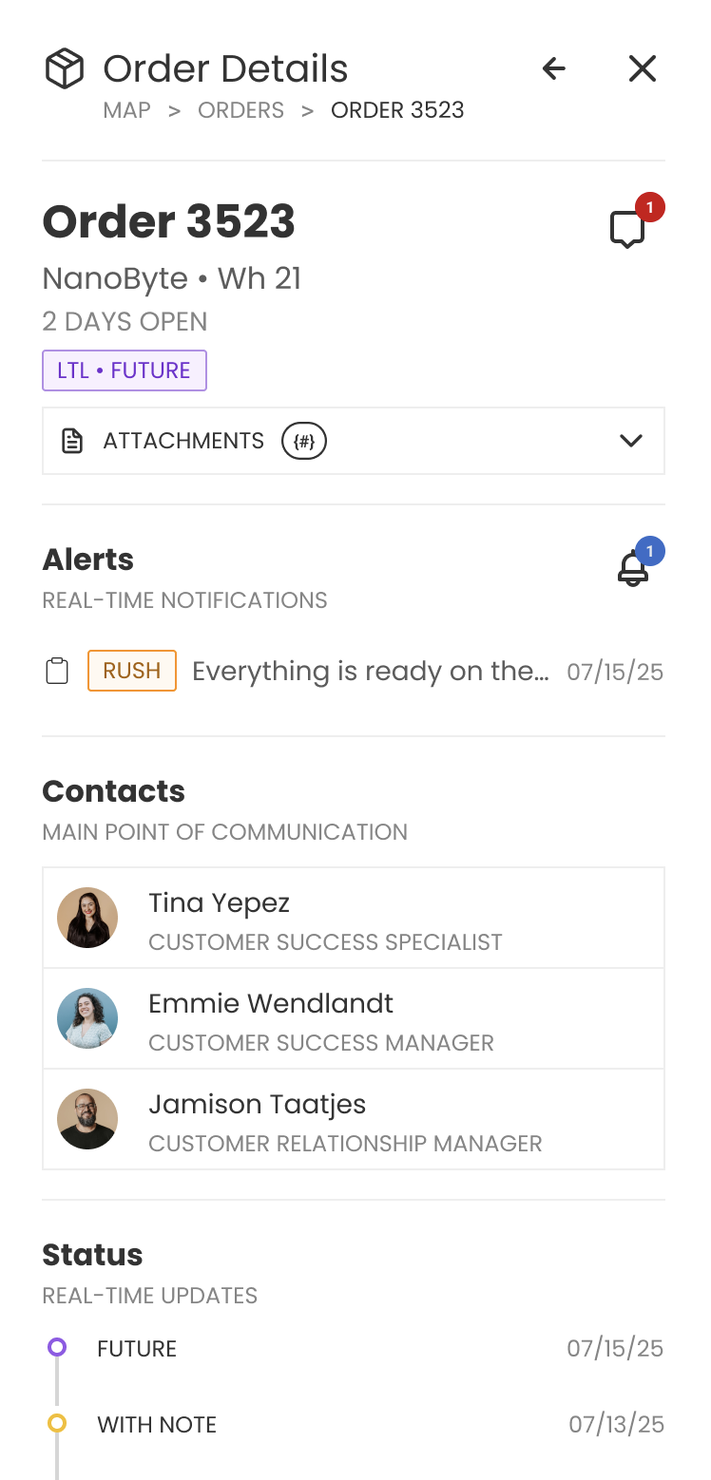
🖼️ Attachments in Details Drawer
- Displays file name, uploader, and timestamp
- Preview support for images
- Download Capabilities for uploaded documents
- Accessible by all users
👤 Who Can Do What?
- Platform Admins, Client Admins, and Members → can upload and view attachments
- Support and Observers → can view attachments but not upload. Can still view/download from the Details Drawer
- User Admins and Viewers → can’t upload but can still view/download from the Details Drawer
✅ Supported File Types
You can upload the following file formats:
- Documents:
.pdf,.docx,.xlsx - Images:
.jpg,.jpeg,.png,.gif,.bmp - Spreadsheets:
.csv,.xls,.xlsx - Shipping Labels:
.pdf,.png,.jpg
❌ Not Supported: executables, compressed archives, audio, or video files.
With Chatter Attachments, everything you need—conversations + files—lives in one place. It’s easier than ever to keep your orders, receipts, and supporting documents all tied together. 🚀
2